
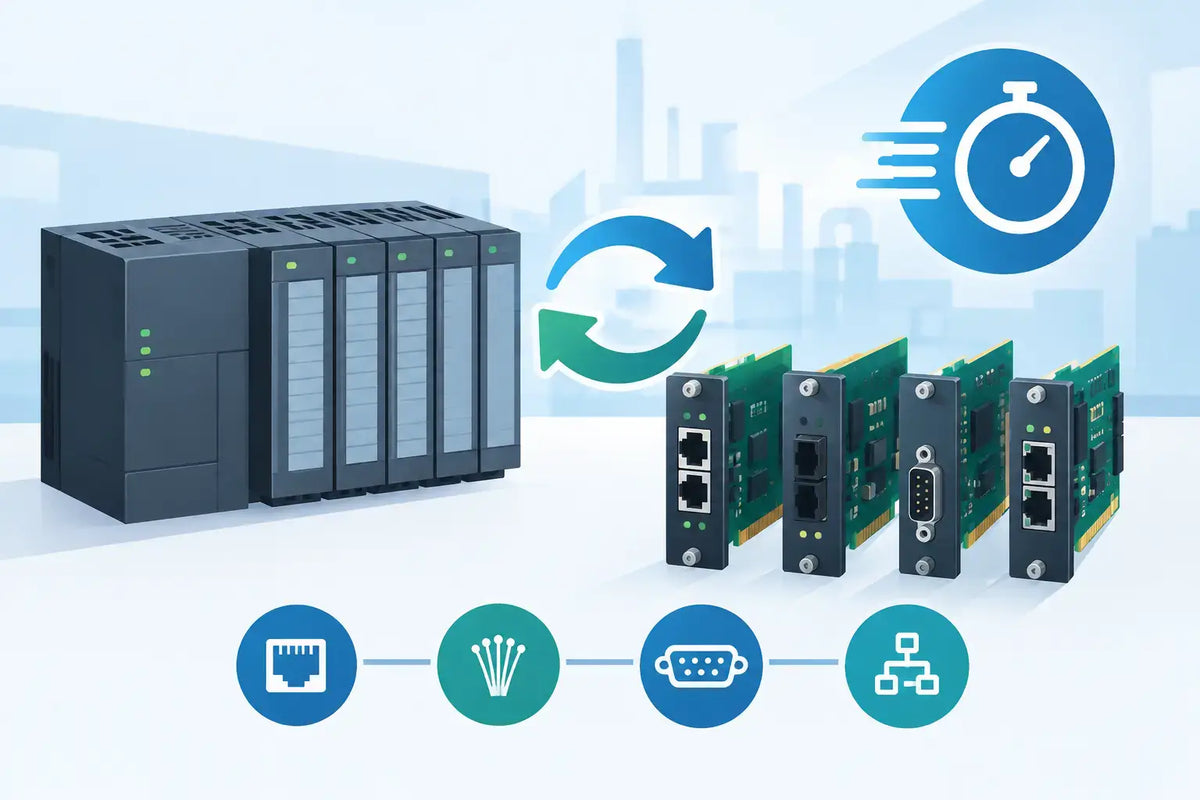
A stopped production line rarely gives you time to redesign a controls network. When a failed module is holding up a machine, the priority is to identify the exact replacement, confirm compatibility and get it moving. The top PLC communication cards are not simply the newest Ethernet modules. They are the cards that match the installed controller, backplane, network protocol, firmware requirements and physical machine configuration.
For maintenance teams and MRO buyers, that distinction prevents expensive ordering mistakes. A card may look correct, carry a similar description and still be unusable because it belongs to a different PLC series or supports the wrong network. Start with the part number on the installed module, then use network and controller details to verify the replacement.
What makes a PLC communication card the right choice?
PLC communication cards connect a controller to other devices: remote I/O, HMIs, drives, safety systems, SCADA platforms, engineering workstations or plant networks. They may provide Ethernet, EtherNet/IP, PROFINET, PROFIBUS, DeviceNet, Modbus TCP, CC-Link, serial or other industrial communications.
The best choice depends on the job. For a direct failure replacement, the installed part number is normally the first and most reliable reference. For a planned upgrade, the question changes: will the new card work with the CPU, rack, existing field devices, switches, software version and network architecture?
Before placing an order, record the controller family, communication card part number, series or revision where shown, network type, connector style and fault indication. Photographs of the label, front face and rack position are useful when an older module has several close variants.
Top PLC communication cards by major controller family
There is no single ranked list that fits every factory. The following card families are consistently relevant because they are widely installed, frequently required for repairs and often needed long after their original product launch.
Allen-Bradley communication cards
For ControlLogix systems, the 1756-EN2T EtherNet/IP bridge module is a common requirement for plants using Ethernet-based communication between the chassis, remote I/O, HMIs and supervisory systems. Earlier 1756-ENBT modules remain installed on many legacy systems, so an exact replacement may be preferable to an unplanned migration during a breakdown.
DeviceNet installations frequently depend on modules such as the 1756-DNB for ControlLogix or 1769-SDN for CompactLogix-based architectures. These are not interchangeable simply because both support DeviceNet. The chassis family, slot format and project configuration matter.
When sourcing Allen-Bradley cards, confirm whether the requirement is for ControlLogix, CompactLogix, MicroLogix or another platform. Also check if the listed number includes the full catalogue suffix. Small suffix differences can affect revision, conformal coating, series or approved application.
Siemens communication processors
Siemens communication hardware is often described as a CP, or communication processor, rather than just a network card. In S7-300 systems, the CP 343-1 is widely used for Industrial Ethernet applications. S7-400 systems commonly use CP 443-1 processors, while S7-1500 applications may use CP 1543-1 modules for advanced network functions.
A CP with a similar Ethernet connector is not automatically a substitute. Check the CPU generation, rack type, required protocol services and configuration environment. A legacy S7-300 machine may need a direct CP 343-1 replacement to restore operation, whereas a larger upgrade project may justify moving to a newer platform.
PROFIBUS remains especially important in installed Siemens estates. Confirm whether the card is acting as a DP master, DP slave, Industrial Ethernet interface or a specialised communications processor. The role is as important as the port.
Mitsubishi communication modules
Mitsubishi Q Series equipment remains common in machine control, particularly where plants have established CC-Link or Ethernet networks. Modules such as the QJ71E71-100 Ethernet interface and QJ71C24N serial communication module are typical examples of part-number-led replacement requirements.
For Mitsubishi systems, verify the PLC family first. Q Series, L Series, iQ-R and FX installations use different module ranges and have different mounting and configuration requirements. Check whether a communication module is fitted in a main rack, extension rack or network station, and whether the machine relies on a specific protocol for a drive, barcode reader, printer or vision system.
Schneider Electric Modicon communication cards
Modicon PLCs are often found with Ethernet, Modbus TCP, Modbus Plus or serial communication hardware. M340 systems may use network option modules such as the BMXNOC0401, while older Premium and Quantum installations can require discontinued modules that are no longer readily available through standard channels.
A legacy Modicon card should be sourced by its exact reference and hardware condition, not only by protocol. An Ethernet module for one rack family will not solve a fault in another. Procurement teams should also establish whether any existing configuration files, software licences or passwords are needed before replacing a module on a live machine.
Omron communication cards
Omron CS and CJ Series systems regularly use modules such as the CJ1W-ETN21 Ethernet unit and CS1W-SCU41 serial communications unit. These cards may link PLCs to operator terminals, temperature controllers, variable speed drives or factory reporting systems.
Serial units deserve particular care. RS-232, RS-422 and RS-485 are not interchangeable, even where connectors appear similar. Confirm the electrical interface, port count, baud rate requirements and protocol in use. A correct-looking card with the wrong serial standard can create a second fault after installation.
Network protocol comes before a general description
Terms such as Ethernet card or network module are too broad for purchasing. Industrial Ethernet protocols differ in controller support, real-time behaviour, addressing and engineering configuration. EtherNet/IP, PROFINET, Modbus TCP and CC-Link IE all use Ethernet cabling, but they do not perform the same job.
The same is true for fieldbus networks. PROFIBUS, DeviceNet, CANopen and CC-Link each require compatible modules and configured devices. If the failed card communicates with remote I/O or a safety controller, replacing it with a generic alternative is rarely acceptable.
Check the existing cable and connector as a starting point, but do not treat that as final confirmation. RJ45 ports are common across many incompatible networks. Use the module label, PLC project documentation and network drawings where available.
New and refurbished: choose based on risk and availability
New and sealed stock is often preferred for critical spares policies, scheduled shutdowns and sites with strict internal purchasing controls. It provides a clear condition route when the exact module is still obtainable.
Refurbished stock can be a practical option for discontinued PLC communication cards, urgent repairs and older equipment approaching retirement. It may also reduce the cost of holding a spare for a machine that is due for replacement in the near future. The trade-off is that condition must be stated clearly and the buyer should match the replacement carefully to the installed part.
For either condition, ask for confirmation of the exact part number and stock status before committing a machine outage to the delivery schedule. A supplier that handles multiple OEM ecosystems can be particularly useful where one shutdown exposes several unrelated faults across Siemens, Allen-Bradley, Mitsubishi, Schneider and Omron equipment.
A procurement checklist for urgent replacements
For a failed card, the fastest route is to provide the supplier with the exact part number, controller model and a clear photograph of the label. Add the network type, quantity required and whether new and sealed stock is mandatory or refurbished condition is acceptable.
Also confirm whether the card has external plugs, memory modules, fibre interfaces or removable terminal blocks that must be retained from the failed unit. Some replacement delays come from ordering the correct core module without the necessary accessories.
If the original item is obsolete, avoid approving a substitute based on a partial number match. Request a compatibility check against the CPU family and application. A replacement that arrives quickly but cannot be commissioned still leaves the line down.
Plan spares around failure consequences
The most valuable communication spare is not always the most expensive module. It is the one with no practical workaround and a lead time that exceeds your acceptable downtime. A single network card can disable an entire remote I/O rack, disconnect a packaging cell from its HMI or prevent a PLC from exchanging data with critical drives.
Review high-consequence cards during planned maintenance, record their complete part numbers and hold spares where a failure would stop production. For obsolete platforms, surplus and refurbished stock can be the difference between a short repair and an unplanned controls upgrade. Keep the part number, network role and machine location together in your maintenance records, so the next urgent order starts with certainty rather than guesswork.