
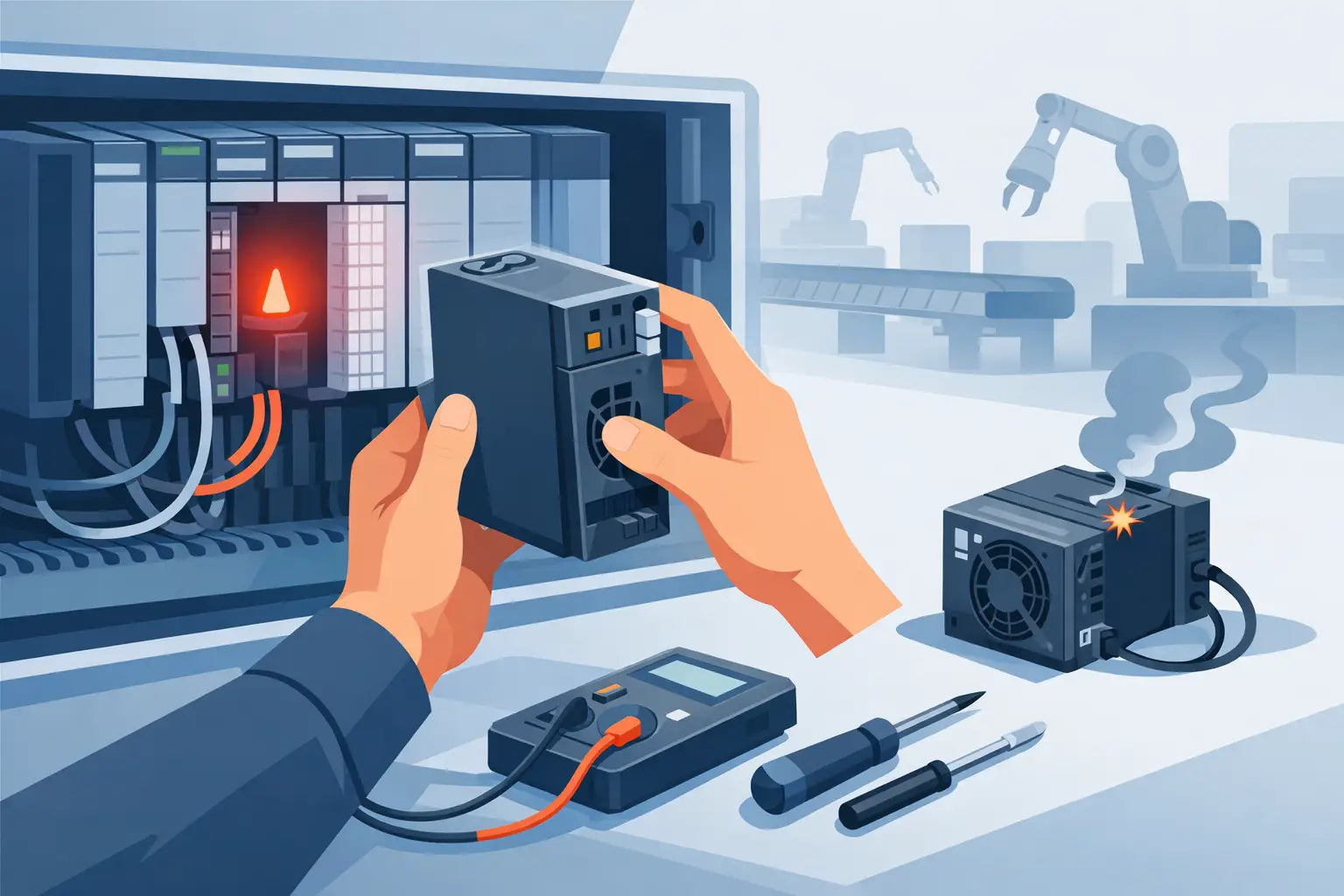
A PLC rack that will not boot, drops comms without warning, or shows dim status LEDs usually does not need a long fault-finding session before action. If you need to replace failed PLC power supply hardware, speed matters, but so does getting the exact specification right the first time. A rushed order for the wrong voltage, current rating or series revision can turn one outage into two.
For most maintenance teams, the real job is not simply swapping a unit. It is restoring control safely, confirming compatibility with the installed platform, and sourcing a replacement that arrives in a useful timeframe. That is where part-number discipline matters more than broad product descriptions.
Replace failed PLC power supply without creating a second fault
The first question is whether the power supply has actually failed, or whether it is reacting to a downstream issue. A short on the DC bus, an overloaded I/O expansion, failed field device power, or damaged backplane can all make a healthy unit appear faulty. If the supply has visible damage, no output, or repeated trip behaviour with the load removed, replacement is usually straightforward. If not, isolate the cause before fitting a new unit.
This is also where experienced buyers save time. They do not order "a Siemens PLC power supply" or "an Allen-Bradley PSU". They order the exact catalogue number from the installed unit and check revision, mounting format, input range, output characteristics and platform family. In older systems, that level of accuracy is what keeps a fast purchase from becoming a returns problem.
Start with the installed part number
The label on the failed module should drive the replacement process. Record the full part number, any suffixes, series or revision codes, and whether the installed unit is AC input, DC input or redundant-capable. With major platforms such as Siemens, Allen-Bradley, Mitsubishi, Omron and Schneider, small differences in suffix or family can affect fit and function.
If the label is damaged, use the PLC chassis, rack documentation, panel drawings or previous purchase records. A photo from the cabinet is often enough to confirm mechanical style and terminal arrangement, but for procurement, the catalogue number is still the safest reference.
Confirm the electrical requirement, not just the brand
A power supply can match the brand and still be wrong for the application. Check input voltage first. Then check output voltage, available current, inrush tolerance and any derating requirements for panel temperature. If the original unit was feeding the CPU, communications modules and several expansion cards close to its limit, replacing it with a lower-rated alternative is asking for intermittent faults.
This matters even more in legacy cabinets where additions have been made over time. A line originally designed with spare capacity may now be running extra sensors, remote I/O or interface modules. In that case, replacing like-for-like may restore operation, but it may not solve nuisance trips if the system load has crept upward.
What to check before you replace failed PLC power supply modules
A fast replacement still needs a few checks before the order is placed. The first is mechanical compatibility. DIN rail, rack-mounted and chassis-integrated supplies are not interchangeable just because the electrical ratings look similar. The second is environmental fit. Panel heat, poor ventilation and contamination shorten service life, so if one supply has failed after years in a harsh enclosure, inspect the surrounding condition before fitting the next one.
It is also worth checking whether the failure was sudden or progressive. Sudden loss often points to input-side disturbance, internal component failure or external damage. Progressive symptoms such as random PLC resets, flickering indicators or loss under load can suggest ageing capacitors or thermal stress. That distinction helps decide whether to replace one part or review adjacent hardware as well.
Check the wider cabinet condition
Look for discoloured terminals, loose neutral or DC common connections, overloaded fused ways and signs of heat around the PSU. Dust build-up and failed cooling fans can push cabinet temperatures high enough to shorten the life of every electronic component inside. If the original cause remains, the replacement unit may not last long.
Battery-backed CPUs and communication modules should also be checked after a power event. Restoring the supply may not fully restore the machine if programme retention, network settings or module initialisation have also been affected.
Decide between new and refurbished
This is usually a supply-chain decision rather than a technical one. New and sealed stock is the obvious choice when lead time is acceptable and the platform remains current. Refurbished stock can be the practical route when the OEM channel is extended, the part is discontinued, or the line cannot wait.
There is no universal rule that one is always better. New stock offers freshness and often simpler internal approval. Refurbished stock can reduce downtime and support older installations that no longer have easy factory availability. For MRO teams supporting mixed-age assets, both options have a place.
Sourcing strategy for urgent PLC power supply replacement
When a line is down, procurement needs fewer emails, clearer stock signals and exact condition information. The most efficient route is usually a part-number-based enquiry with three details included from the start: required quantity, acceptable condition and required delivery window. That avoids going back and forth while production waits.
Independent multi-brand resellers are often useful where authorised routes are slow, especially for obsolete or hard-to-find references. For plants running a mix of OEM ecosystems, that broad availability can simplify purchasing because the same supplier can often quote across several installed brands. Automation Planet UK operates in that space as an independent reseller of industrial automation components, offering both new and refurbished stock against specific part numbers.
That said, buyers should stay disciplined. Ask for the exact part number offered, condition status, and whether the item is in stock now or sourced after order. If you need a direct substitute rather than an identical unit, confirm compatibility before committing. Close-enough is not a purchasing category when the rack has to go back online today.
Keep one eye on the next failure
A failed power supply often exposes a spare-parts gap. If the affected machine is critical, one replacement may not be enough. It may make sense to buy the installed spare position at the same time, especially for older PLC families with shrinking market availability. The carrying cost of one shelf spare is often lower than the cost of another unplanned stoppage.
For groups with surplus stock in other sites or stores, this is also a good point to rationalise inventory. Excess modules from decommissioned equipment can sometimes offset emergency spend if they are the right family and condition.
Installation and restart considerations
Once the replacement arrives, isolate properly, verify incoming supply, and check terminal tightness before energising. On rack-based systems, inspect the connector and backplane for heat damage or bent contacts. On DIN rail units, confirm polarity and earth connections carefully. Many restart issues after a PSU swap come from wiring errors made under time pressure rather than from the replacement itself.
Bring the system up in stages where possible. First confirm stable PSU output, then CPU status, then communications, then field devices and outputs. If the new unit trips immediately, do not assume the replacement is faulty. Re-check downstream load, shorts and panel wiring. Power supplies often fail because something else on the circuit failed first.
When substitution is acceptable
Sometimes the exact legacy part is unavailable for immediate dispatch. In that case, a substitute may be viable, but only if electrical characteristics, mounting, approvals and system integration are all confirmed. For simple 24V DC panel supply duties, substitution may be straightforward. For platform-specific PLC rack supplies, it usually is not.
If the power supply is part of a manufacturer-specific rack architecture, stick to the exact family unless competent engineering review says otherwise. The cost of waiting a few more hours for the right module is usually lower than the risk of damaging a CPU rack or creating unstable operation.
Buying better after the emergency
Once production is restored, review why the failure caused so much disruption. Was the problem no local spare, unclear panel documentation, poor part-number records, or reliance on a channel with long lead times? Small changes make the next event easier to manage. Label the cabinet clearly, keep an approved spare list, and maintain a source for current and obsolete automation stock.
For maintenance and procurement teams, the best replacement job is the one that becomes a controlled purchasing task rather than a panic order. Exact identification, realistic condition choices and a supplier that can quote quickly across major PLC brands usually make the difference.
If you need to replace failed PLC power supply equipment, buy by part number, verify the load, and treat speed and accuracy as the same job. The line does not care whether the order was clever - it cares whether the correct module is fitted and running again.